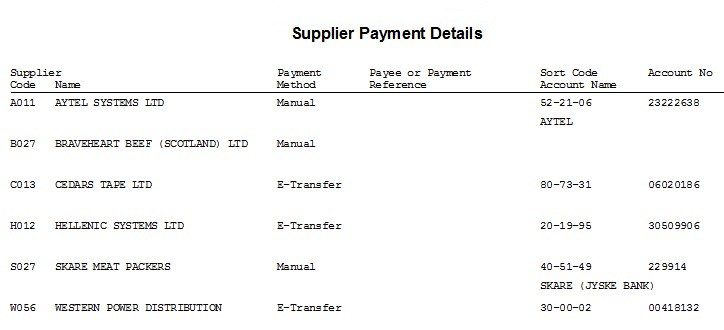
Purchase Ledger – Payment Details Report
Purpose:
To provide a list of payments details set up in Supplier Maintenance – useful to run to check for errors or omissions.
Process:
From main menu click Ledgers > Purchase > Reports > Supplier Payment Details.
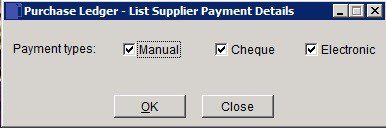
Select any or all payment types – check boxes and click OK to run report or Close to close without printing.